










01 · APPLY
Apply
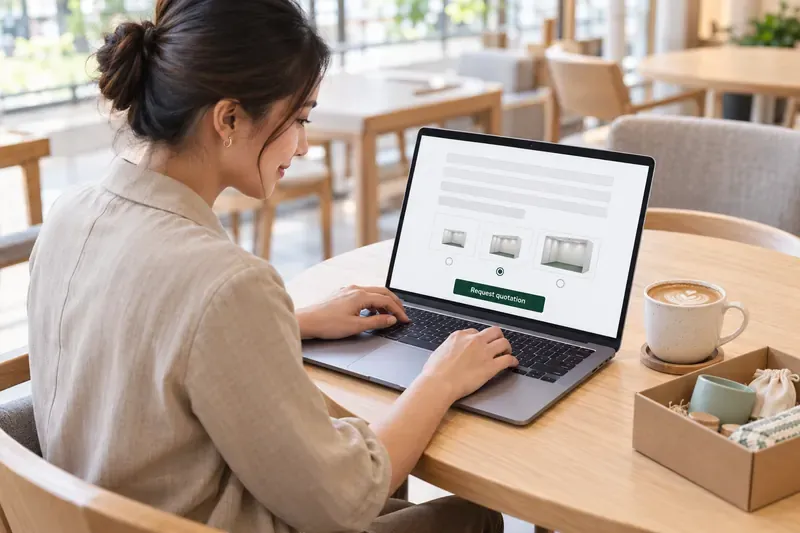
Exhibitors apply on your form and request a quotation there, instead of emailing you for one.
Form Builder →Visitors open the map from their ticket and find any exhibitor with a search, a tap and a walk.
*interactive demo with a made-up hall and exhibitors, exaggerated for show. Search, filter, tap a booth or press Get directions.
Exhibitors apply on your form and request a quotation there, instead of emailing you for one.
Form Builder →
Check the uploaded receipt and approve. The exhibitor gets their portal link by email.

Exhibitors work through your checklist in their portal. The reminder email chases only what's still missing.

Import booths from a spreadsheet and link each to its exhibitor. The same plan becomes the visitor map above.
Layout Designer →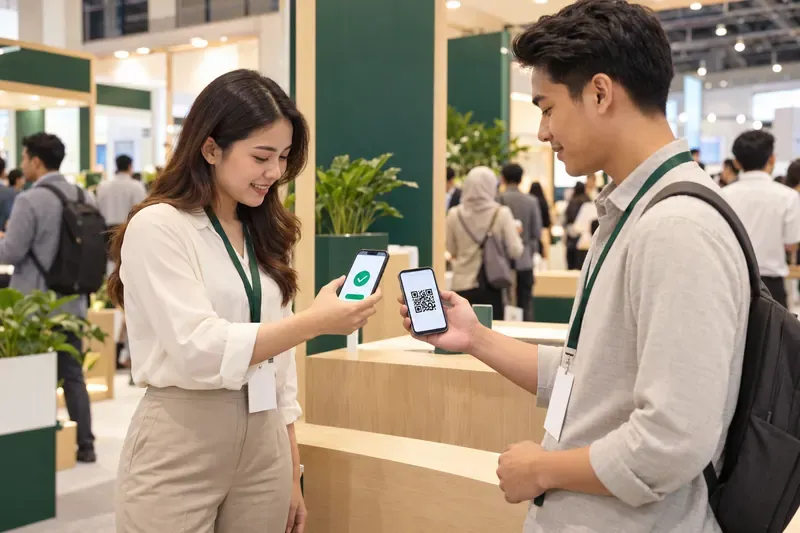
Visitors find the booth on the map; booth staff scan their tickets and leave with a lead list.
Exhibitors apply on your form and request a quotation there, then upload their payment receipt. You approve in bulk, and approval emails them their portal link.
Each with a colour and an optional cap, shown on the form, the floor plan and the visitor map.
Exhibitors edit their listing, send you files, tick off your tasks and read announcements in their own portal.
Booth staff scan visitors' ticket QR codes on their own phones. No extra app or hardware, and the leads export from the portal.
A phone or laptop camera at each doorway counts people in and out, so you know who is in each hall.
Every booth graded from Ready to Not ready on four gates: listing, booth, checklist and logo.
Sell sponsor slots on the visitor map. Each ad reports map opens, views and taps through to the booth.
Tell us about your exhibition, halls and exhibitor count, and we will show you the show set up in SOURems.
Software that runs the exhibitor side of a trade show or expo in one place: booth applications, approval, the exhibitor portal and checklists, booths on the floor plan, lead scanning at the booth and the visitor map. SOURems also runs visitor registration and check-in on the same event.
On the venue map. Visitors search exhibitors A to Z with category filters, tap a booth to see the exhibitor's products, schedule and website, and tap Get directions. The map pulls back to show the whole route along the hall's walkways, starting from the entrance.
They apply on your exhibitor form and can request a quotation there. Once they have paid, they submit the receipt, and you approve it to confirm their registration. Approval emails them a link to their exhibitor portal. You can also let the form admit exhibitors straight away up to a set number.
Yes. Each category, such as food and beverage or technology, can have a cap, and its status shows as spaces left, full, over or closed. Approving past a cap is possible, but only after a warning.
Yes. Each exhibitor signs in with their contact email and a password you issue. They edit their public listing (about, website, up to six products and six schedule items), send you files, work through your checklist, read announcements and export their leads.
They open the booth's scan link on their own phone, protected by the booth's password, and scan visitors' ticket QR codes. Each scan records the visitor's name, email, company, contact number and ticket type, once per visitor. No extra app or hardware is needed, and the exhibitor exports the list from their portal.
Yes, with Wayfinder Ads. Ads play as a short reel when a visitor opens the map, and again from the Sponsors button, each with a Take me to button that routes to the sponsor's booth. You can promise a sponsor a share of first views, and each ad reports map opens, views and taps to the booth. There are no sponsorship tiers or packages: sponsor visibility comes through the ads.
Yes. Set up counting points at each doorway and open a counter on any phone or laptop with a camera: people crossing a line on the camera view are counted in or out, and staff can correct counts by hand. There is no turnstile or hardware counter integration.
It isn't a booth contractor's design-approval or furniture-ordering tool. There are no sponsorship tiers, no speaker profiles (speakers go in the agenda's session notes) and no zone access module: entry to halls is set by ticket type and scanned at the door.
It is quoted per event, or as an Annual plan if you run several events a year. Exhibitor onboarding, the portal, lead capture, footfall counting and Wayfinder Ads are in the Advanced plan, and each approved exhibitor uses one unit of the event's licence. See pricing.